
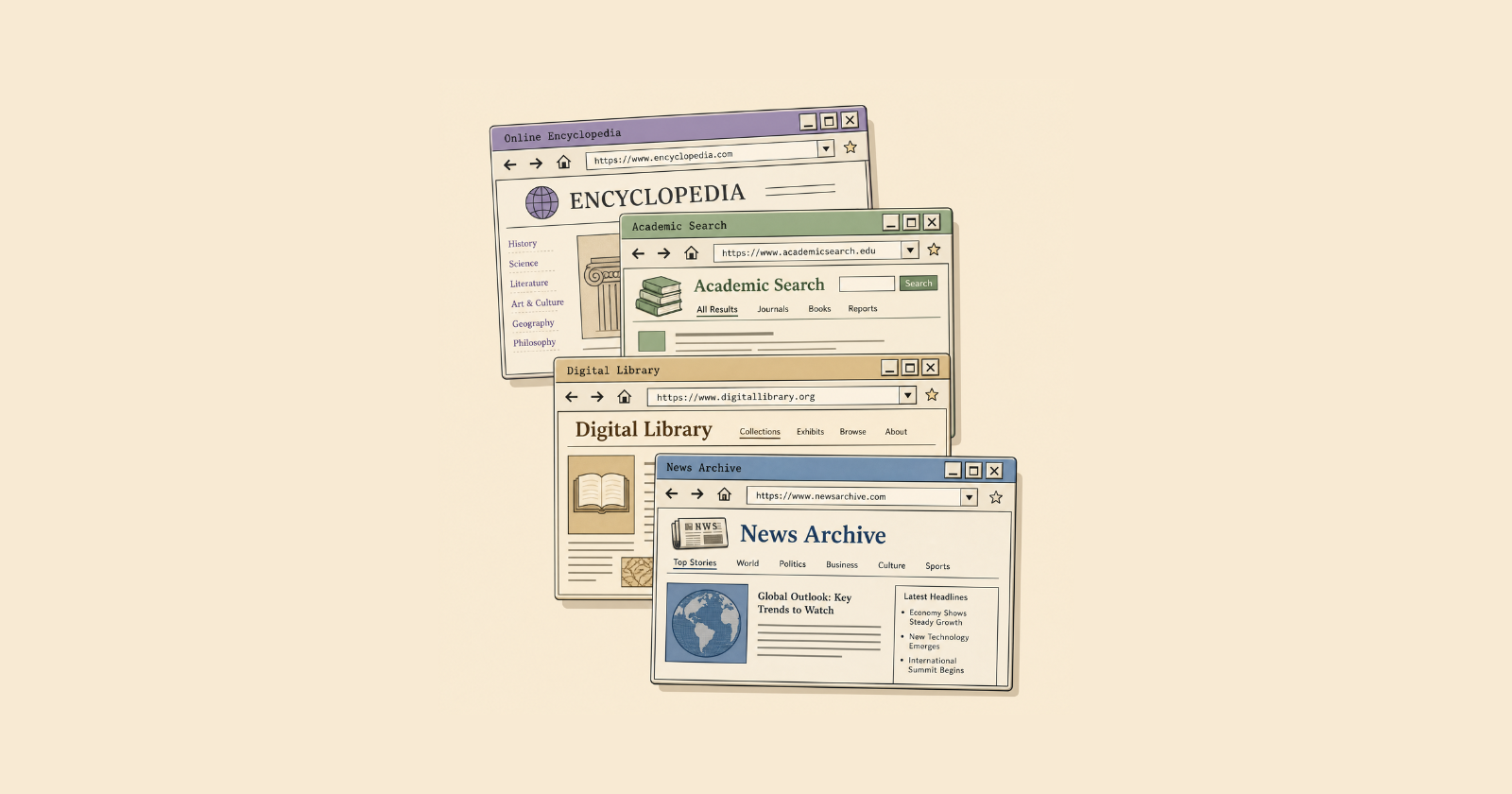
When people say, 'I was writing all day,' they don't mean they were intermittently typing for eight straight hours. They mean they spent the entire day engaged in the writing process. And a big part of that process is learning.
– Andrew Etter, Modern Technical Writing, 2016.
Writing is not only about writing itself. The actual time I spend typing is a small fraction versus everything else — browsing sources, pulling up relevant articles, and chasing down an insight to back up a point. The real work happens before a single word is on the page.
I call this phase pre-writing. It is the foundation of everything that follows. Good writing is built on hard thinking and clear understanding, and pre-writing is where both take shape. Done well, it does the heavy lifting for drafting. BUT this kind of activity takes sooo much energy.
This is the gap that YouMind fills. It’s a learning and creation tool with an AI agent that helps capture and process information, then turns it into creations.
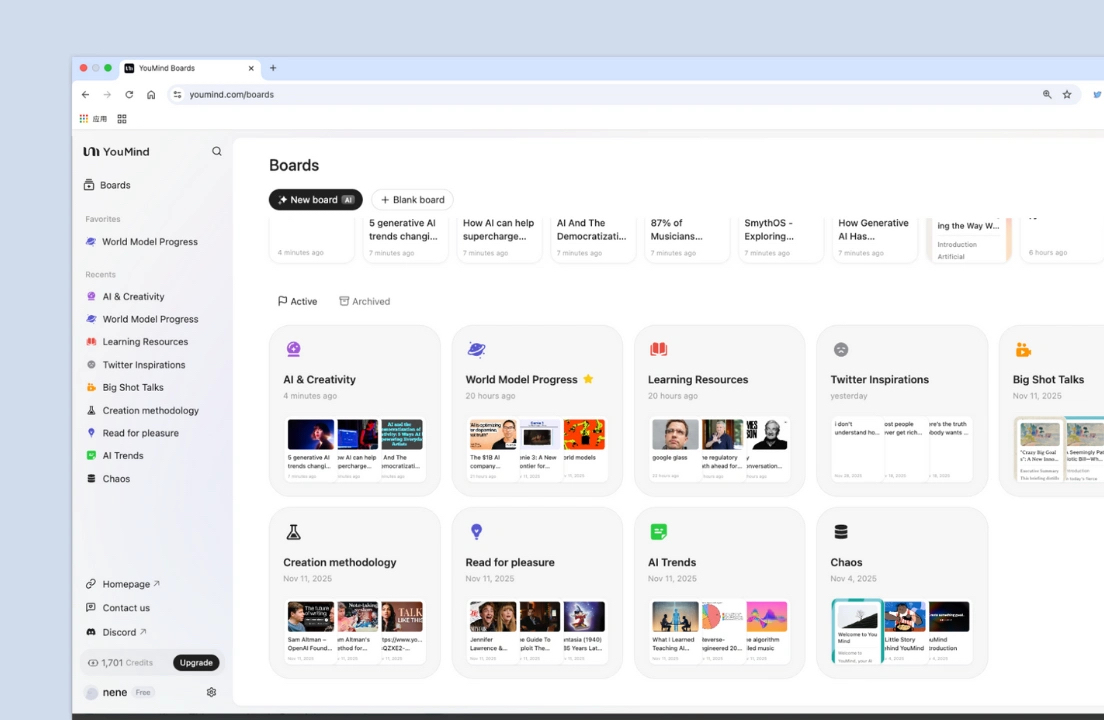
I use YouMind in pre-writing to give me a starting point and a direction.
Inside a writing project
When I start a new writing project, I'm facing a stack of documents: a content brief, samples, style guides, and other reference materials. That's before I've done any research. Once the research process starts, more arrives — browser tabs, webpages, PDFs, and screenshots. The pile compounds quickly.
Before YouMind: Research was somewhat draining. 😩 I love digging into a topic and take it seriously. But it’d be a lie to say I always enjoyed it.
After YouMind: I cut my research time roughly in half! ✨ More than the speed, it’s about how I feel. Research became more manageable, less of a weight to push through. And I reach the writing phase with more energy left.
How I work with YouMind
My pre-writing workflow looks like this:
Compile materials and extract essential details. YouMind has a “Files” space where I upload everything relevant to the project. Before writing any piece, I need to know its purpose, expected outcomes, mandatory elements (such as internal links, word count, formatting rules), and style requirements.
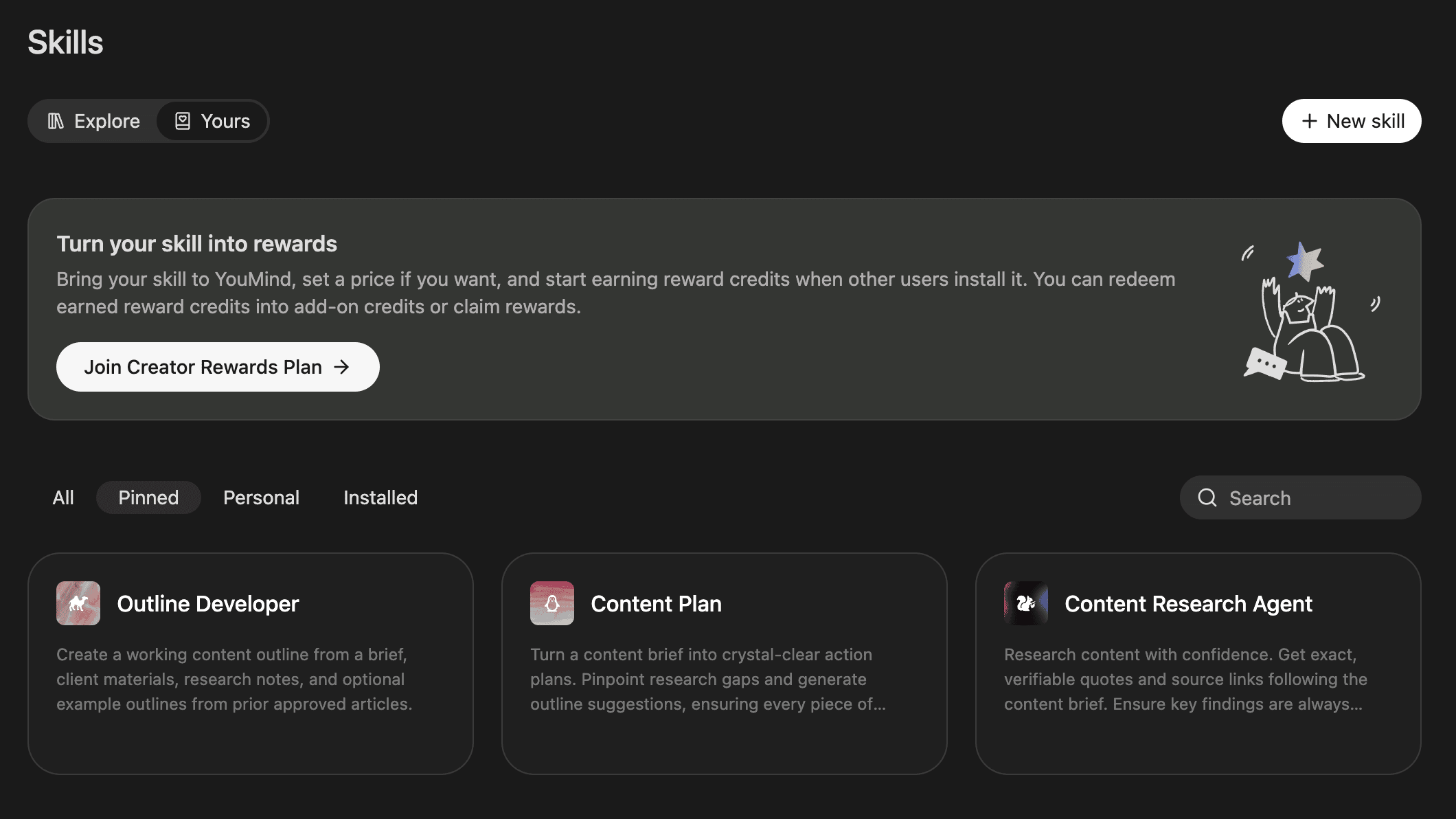
Create a content plan. Once the materials are in, I create a skill to generate a plan: the steps to complete the piece, the gaps in my current knowledge, and anything else I need to resolve before drafting.
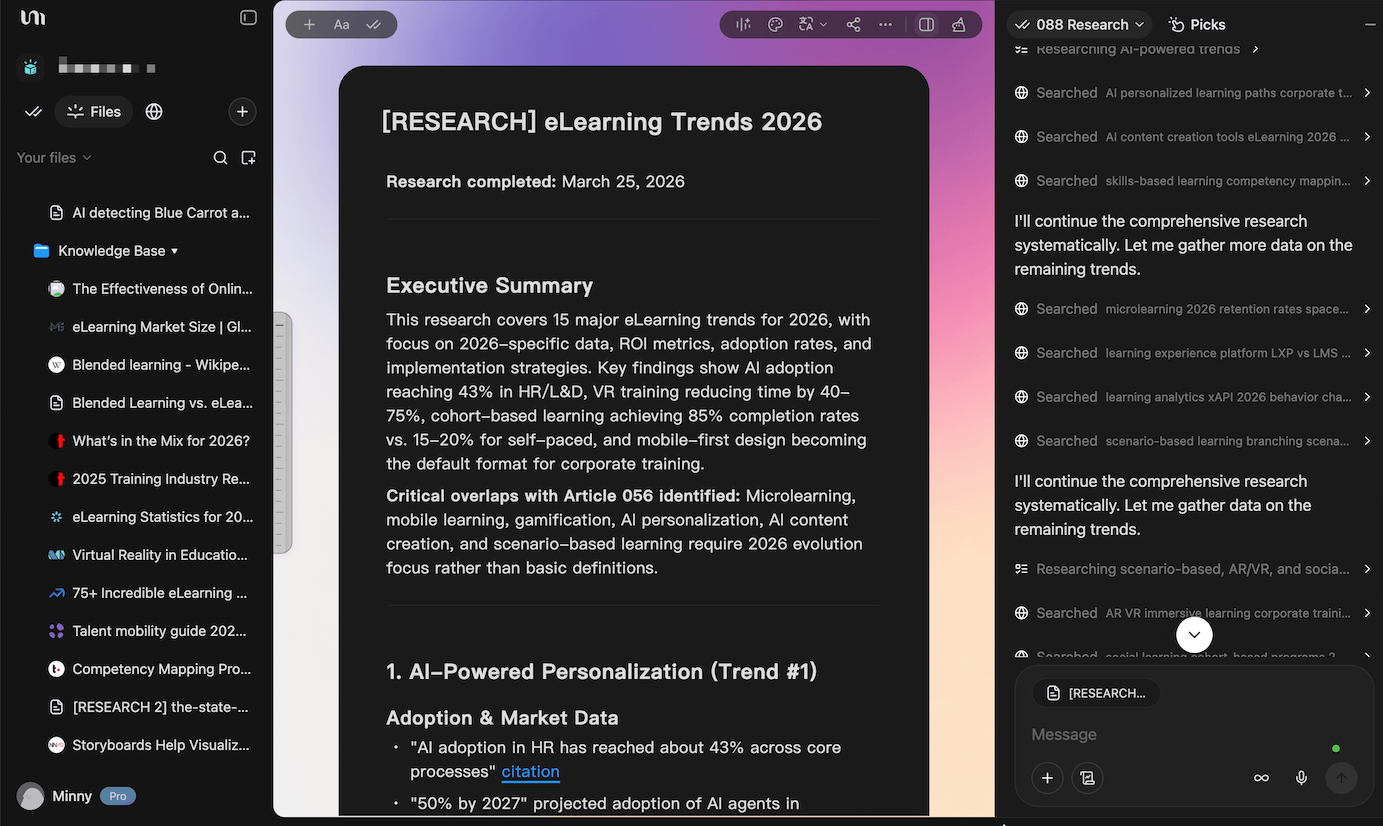
Learn the subject. The plan tells me what I don't yet know. From there, I ask YouMind to suggest resources and walk me through the topic. This is where pre-writing becomes actual learning.
Conduct research to support arguments. I create a skill for this task as well, using the content plan as the guide. Agent will conduct a search, gather findings, and save them in a document (or several ones for larger projects). I validate sources by myself, removing anything irrelevant or not credible.
Outline the content. Finally, I map the evidence to the right arguments. I have a skill that generates a rough outline. To me, the outlines YouMind produces don't usually hit the mark, so I prefer building them myself. But the tool gives me something to push against, which is still useful.
Important: YouMind doesn't 100% take this workflow off my hands. It points me toward the information I need to complete a piece. I go back and forth several rounds until the outline is ready to go.
From here, I will move on to drafting in Lex.page. But YouMind is still the central brain of a writing project: the place where materials live, research gets organized, and thinking takes shape before words do.
Things I like about YouMind
The interface fits how I think. I am not a big fan of a chat box or a terminal. YouMind combines the working section, tasks (previously called chats), and files into a single view, no tabs or context switching.
Boards for project separation. I create a board for each writing project. Having a focused space for each piece keeps the work neat. When I open a board, I know exactly where I am and what belongs there. (A big plus is that I can transfer materials from other boards to the current workspace!)
The browser extension for capture. I rarely use any AI summary feature, but YouMind's extension is useful. When I land on a page during research, it outlines an overview so I can decide in seconds whether the source is relevant to what I’m looking for.
If pre-writing is something you wrestle with, or if research tends to drain you before you've written a word, give YouMind a try. It's become one of the few tools I'd have a harder time working without.